Backflow Test Tags Explained: What the Tag on Your Device Means
The tag on a backflow preventer is required by Durham's by-law and carries specific fields. What each means, what a tag does not prove, and how it relates to the report and the Region's record.
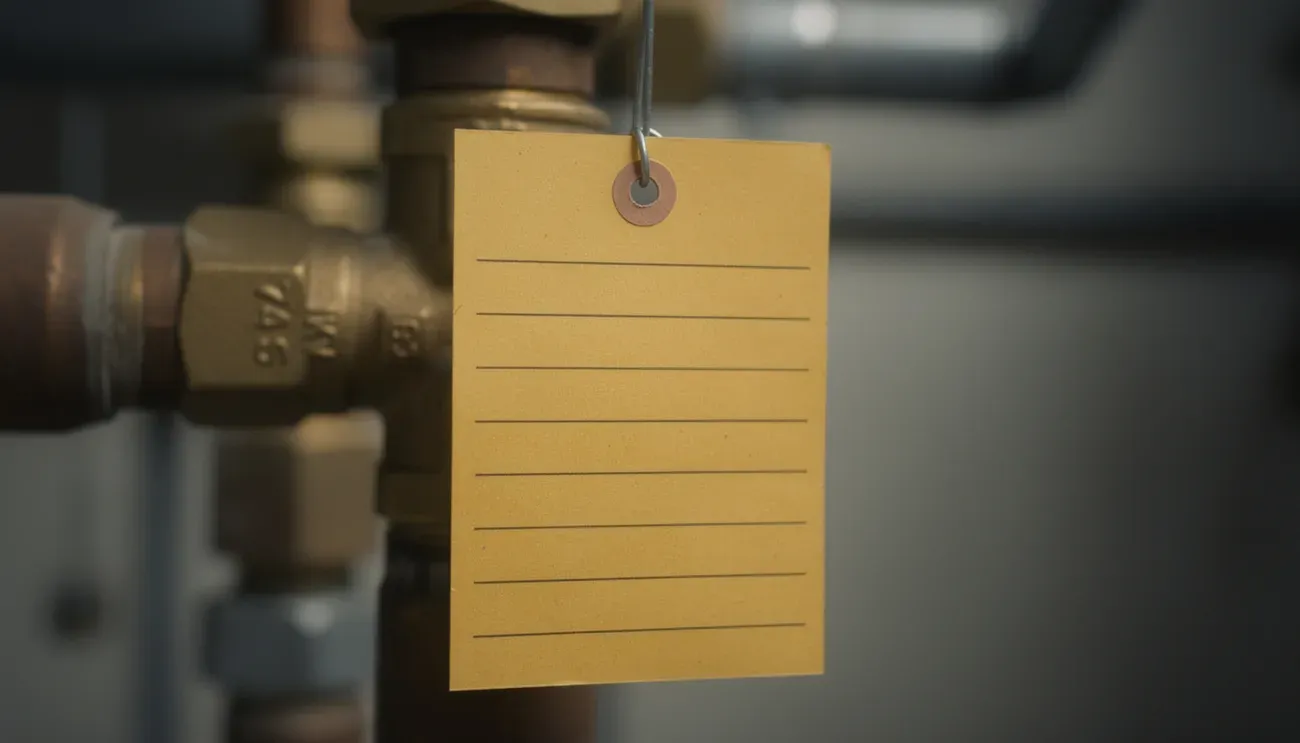
The little card wired to your backflow preventer is not decoration. Durham Region’s by-law defines it, requires it, and specifies what has to be on it. Here is how to read one, what it proves, and what it does not.
What the by-law says a tag is
Section 1.1(ee) of By-law 24-2018 defines a test tag as “a tag approved by the Region containing information related to the date, installation address, type, make, size, model, serial number, location, and test date of the backflow prevention device.” Section 6.10 requires the authorized tester to display one on or adjacent to the device and record on it:
| Field | What it tells you |
|---|---|
| Address of the property | Which building the device serves. Matters in plazas and shared meter rooms |
| Location of the device | Where in the building. Useful for the next tester and for the notice |
| Type | DCVA, RP/RPZ, PVB (or a fire-line variant) |
| Manufacturer | Watts, Febco, Zurn Wilkins, Apollo, Ames, and so on |
| Serial number | The identifier the Region’s record is keyed on |
| Size | Pipe size, e.g. 2 inch, 4 inch |
| Test date | When it was last tested |
| Tester’s initials | Who did it |
| Tester’s name or employer | If self-employed, the name; otherwise the company |
| Tester’s licence number | Their tester’s licence, which you can check against the Region’s registry |
Some tags also carry a pass/fail box, gauge readings, and a “next test due” line. Those are helpful, not required.
What the tag proves and what it does not
A tag proves that a person holding a tester’s licence was at the device on the date shown and recorded a result. That is real, and it is what an inspector looks for on a walk-through.
A tag does not prove:
- That the report was filed. Under section 6.5 the tester must submit the report to the Region and area municipality within 28 days of the test. If they did not, the Region’s record shows the device as untested and the notices keep coming. The tag says nothing about this.
- That the device is still working. The tag is a snapshot. A relief valve that started weeping three months later is not on the tag.
- That the tag’s device is the one on your notice. Compare serials. Buildings with more than one device sometimes have a tag on the wrong one.
The practical rule: the tag is evidence, the report is the record. Ask for the filing confirmation every year.
Reading a tag in three seconds
- Test date. Within the last year? A test has been done. Older? Due.
- Serial number. Does it match the notice? If not, you may be looking at the wrong device or the record is out of date.
- Licence number. Anyone can check it against the Region’s authorized tester registry through BSI Online.
Tags and the notice cycle
The Region’s record for your device has an anniversary. The notice arrives ahead of it. The tag on the device tells you where you are in that cycle without needing to find the notice: test date plus twelve months is roughly when the next one is due. We put the next due date in the client’s reminder and on our copy of the report, and the by-law’s five-year on-site retention rule (section 6.6) means the last five reports should be in the building’s file to cross-check.
What happens to the tag when a device fails
The tester still tags it, recording the test date and result. The tag then reflects a failed test until the device is repaired and retested, at which point a new tag or a new entry records the passing retest. If you see a tag marked FAIL with no later entry, the repair and retest have not happened, or have not been recorded, and the Region’s record will show it.
Tags on new devices
A newly installed device usually carries an installation tag from the plumber and, after its first annual test, a test tag from the tester. The first test is due a year after installation. New devices almost always pass; the useful thing on the first test is getting the tag and the Region’s record to agree on serial, location and owner contact so the second year runs on the reminder.
What to do with all this
If your tag is current and you have the filing confirmation, you are done until next year. If the tag is current and you do not have the confirmation, ask for it, or send us the tag details and we check the record. If the tag is old or missing, the test is due; the notice page covers what happens next and the service page covers the test itself.
Questions this raises
Is a current tag proof that I am compliant?
No. The tag proves a tester was there and recorded a test date. Compliance is the report being on file with the Region through BSI Online. A tag with no filed report behind it still generates notices. Ask for the filing confirmation.
The tag says PASS but the device is dripping. Is something wrong?
Possibly. A tag records the result on the test date. An RPZ relief valve that has started to discharge since then means the first check has deteriorated. It will not pass the next test in that state; book a look before the notice arrives.
Do I need to keep old tags?
The by-law requires the owner to keep test reports on site for five years, not tags. Keep the reports; the tag stays on the device and is replaced or updated each year.